
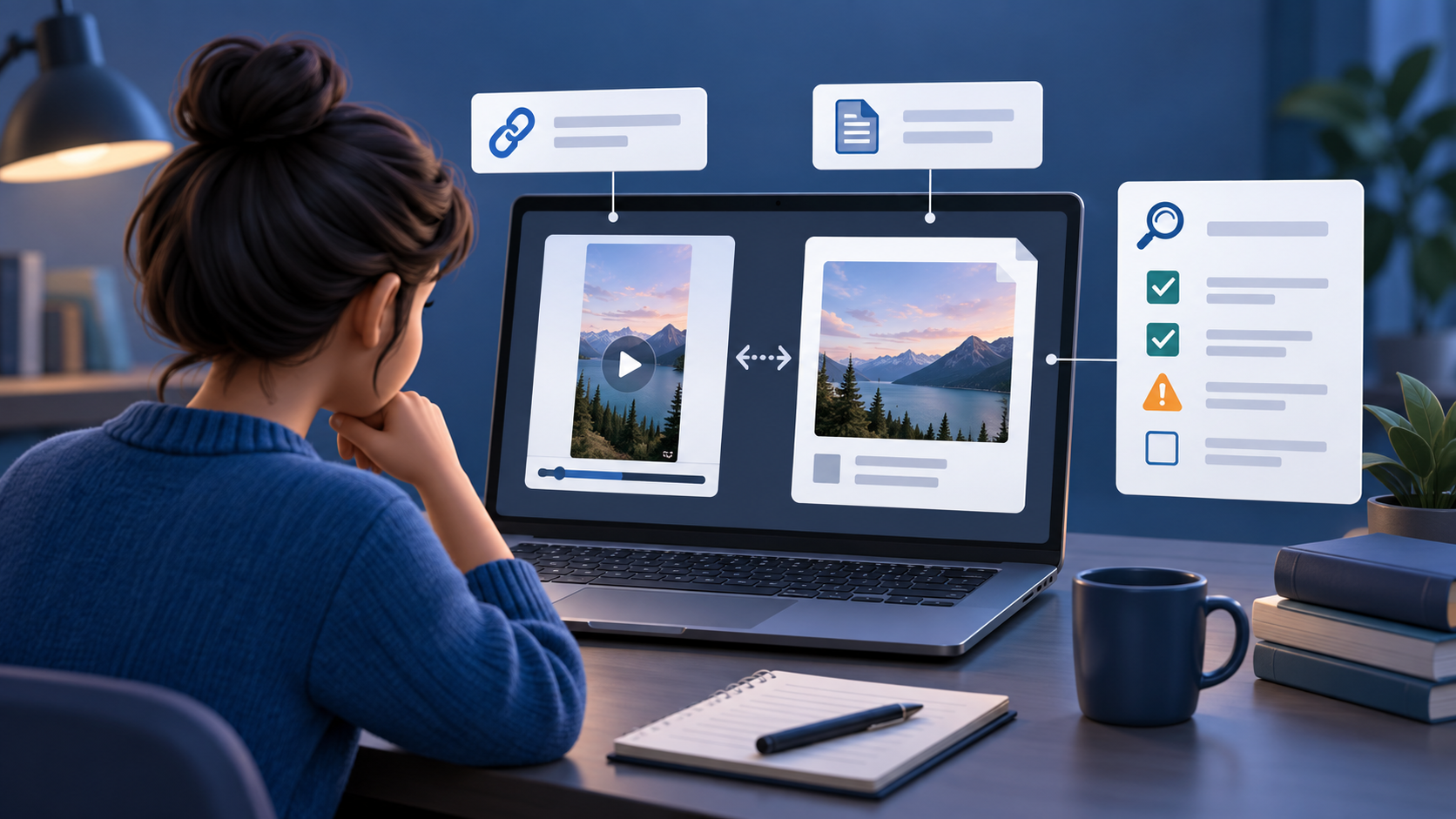
You can use a public YouTube watch, Shorts, or share link as a first-pass input when the video can be accessed safely. A link check may surface available signals, but it can also be limited by access, processing, or missing media. It does not prove that a video is real, fake, deceptive, or harmless.
Quick answer
Use this order before you trust or share a suspicious YouTube video:
- Use one direct public video, Shorts, or
youtu.belink—not a channel, playlist, or search result. - Check the uploader, title, upload date, description, and whether a fuller version exists.
- Run a cautious YouTube AI video link check, then read result state, likelihood, confidence, checked signals, unchecked signals, and limitations together.
- Compare independent reporting, official statements, or source footage when the post makes a factual claim.
- For identity, safety, money, reputation, or news claims, seek qualified human review.
What a YouTube link can and cannot tell you
| Input condition | What a cautious link check may do | Best next step |
|---|---|---|
| Accessible public video or Short | Review available public-link and media signals. | Read all limitations before acting. |
| Re-upload or screen recording | Surface possible inconsistencies, with degraded evidence. | Find the earliest available full version. |
| Private, removed, members-only, age-restricted, or region-limited video | Return limited signals or no meaningful review. | Do not treat missing access as a low-risk result. |
| Original file you may lawfully submit | Provide a clearer source for frame, motion, duration, and readable-audio review. | Still verify the source and claim independently. |
A public YouTube page is not the camera original. Re-encoding, captions, speed changes, downloaded copies, and added audio can change what is available to inspect. A limited result should be explicit—not converted into a confident-looking score.
Start with the exact video and its context
Copy a link for one video. A channel, search result, or playlist makes it harder to know which media is being assessed. Then pause before looking for a visual “tell.” Who uploaded it? What does the title claim? Does the description cite a source? Is this a Short cut from a longer interview, livestream, or news event? Do other uploads show different dates, captions, audio, or missing moments?
This separates whether a clip may contain AI-generated or manipulated material from whether a real clip is being used with a false caption. An authentic old video can still be misleading; a synthetic video can be paired with plausible context. A single score cannot settle either question. See Detect AI Video From a Link for input guidance and the deepfake screening guide for higher-risk claims.
Why a public YouTube check may be limited
The link may point to content that is private, deleted, members-only, age-restricted, region-limited, live, or unavailable to a safe public-media workflow. YouTube says age-restricted videos require a signed-in viewer who is 18 or older. YouTube Help: Age-restrict your own video
Even a playable clip can be short, blurry, cropped, heavily compressed, screen-recorded, or edited with replacement audio. These conditions can create unusual edges, motion, and timing in authentic footage and can hide useful clues in manipulated footage. Treat an odd frame as a lead to inspect across several moments—not proof.
Read the report as a set of evidence, not a verdict
First-pass screening
Read availability and confidence before focusing on a score.
Likelihood describes how checked signals point. Confidence describes how much usable evidence the particular input provided. Low confidence requires restraint whichever direction likelihood points.
Learn how reports workRead what was checked and what was not. Depending on accessible media, a report may include visual, motion, audio-video consistency, source/media access, and processing clues. It cannot establish the factual truth of a title, copyright ownership, a person’s intent, or legal authenticity.
Check provenance and the earliest available source
Search for the earliest version you can find. Compare runtime, beginning and ending, watermark, upload date, uploader history, captions, and audio. A longer source can reveal a correction, joke, translation, or missing context that a short repost hides.
When available, Content Credentials can offer cryptographically verifiable provenance information about an asset and its edit history. They are not a universal truth test: the C2PA specification describes a signed, tamper-evident provenance model, not a judgment about whether a claim is true. C2PA: Content Credentials specification
When an original upload is the better next step
Use an original file only when you own it or have permission and a legitimate reason to submit it. It can provide a clearer frame sequence, duration, and audio track than a restricted platform link. It still is not proof: a source file can be manipulated, and authentic footage can be paired with a false story.
- Preserve the public URL, visible title, account, and date before a post changes.
- Find the earliest full version and compare independent reporting or primary sources.
- Use upload when the public link is limited and you are entitled to submit the original.
- Use qualified human review before a public accusation or high-stakes decision.
Frequently asked questions
Can a YouTube AI detector prove a video is a deepfake?
No. It can provide likelihood-based screening signals from accessible media. It cannot prove a video is fake, establish intent, or decide whether a claim attached to it is true.
Why can a public YouTube video return limited signals?
Public visibility does not guarantee that enough media is accessible for a fuller review. Access restrictions, short duration, heavy processing, re-uploading, and low-quality input can limit what is checked.
Is a YouTube link or an original file better?
A link is a useful low-friction starting point. An original file you are entitled to analyze is usually a clearer input for frame, motion, duration, and audio evidence; neither replaces source verification.
Bottom line
A public YouTube link can be a useful first-pass screening input, but it is not a truth machine. Start with the exact video and its context, read likelihood, confidence, checked signals, and limits together, then seek an original source and independent corroboration when the stakes are high.
Sources and update notes
Reviewed September 25, 2026. Platform access and product behavior can change; verify official guidance before relying on platform-specific steps.