
Source/media access
Waiting for the analyzer to confirm source and media access.
Pending
PendingEvidence Lab for Social Video
Paste a public link or upload a video. Review the evidence, confidence, and what could not be checked before you share it.
AI video check
Link access is best-effort. Original uploads receive the strongest evidence scan.
Best-effort for supported public social video URLs. If public media is unavailable, upload the original video for deeper analysis.
By clicking Start free check, you confirm you have the right to submit this video link for analysis and understand results are likelihood-based, not proof.
Estimated credits depend on video size and duration. Detected platform: Unknown.
Live analysis process
See what is happening at each stage. Scores appear only for areas that can be checked.
Check progress
Step 0 of 6Paste a public video link or upload a video you have the right to analyze. We show what can be checked, what may be limited, and how to read the result.
Ready when you are · stage-based progress
Check progress
Each stage shows its current status. Timing depends on video access and plan limits.
Checking input
Validate the URL, file, consent, and supported video source.
0% · Pending
Checking access
Run security checks and see what media can be reached safely.
0% · Pending
Preparing video
Get the available video ready for review.
0% · Pending
Waiting to start
Wait for the check to begin. Paid plans start sooner during busy periods.
0% · Pending
Reviewing evidence
Review picture quality, movement, source details, and sound when available.
0% · Pending
Building report
Assemble likelihood, confidence, limitations, and recommendations.
0% · Pending
Signal checks
While the check runs, this panel shows progress only. The completed result appears below.
Source/media access
Waiting for the analyzer to confirm source and media access.
Pending
PendingVisual clues
A score appears after enough of the picture can be reviewed.
Pending
PendingMovement consistency
A score appears after changes over time can be reviewed.
Pending
PendingPicture quality clues
A score appears after the video quality can be reviewed.
Pending
PendingSound and picture consistency
A score appears when both sound and video are available.
Pending
PendingSource details
Available information about the video and its source will appear here.
Pending
PendingWhy it helps
Some videos look real at first glance. Then something feels off: the face moves strangely, the hands blur, the audio feels inconsistent with the clip, or the clip appears during a breaking news event with no clear source. AI Video Detector gives you a quick way to slow down.
Paste a social video link first. If the link cannot be checked, you will see a clear reason and a safer next step.
Start with a free preview. Use credits to unlock the available explanations and PDF of your unexpired report without uploading again.
The result helps you decide whether to pause, look for the original source, compare other uploads, or ask for human review.
Private, deleted, restricted, or unavailable videos are not silently treated as real or fake. You get a plain explanation.
Supported checks
Start with the page that matches where the suspicious video came from. Public-link checks are best-effort, and upload is the stronger option when you have the original file and the right to analyze it.
Check public YouTube videos or Shorts for available link and video signals. Some YouTube links may return limited public-link signals, so upload the original file when you need deeper frame review.
Check YouTube videos →Try a public TikTok video link when the media is accessible and within scan limits. Private, removed, login-only, or region-limited videos may fail safely or ask for upload.
Check TikTok videos →Review public Instagram Reels or video posts on a best-effort basis. Stories, private accounts, photo-only posts, and login-only content are not reliable inputs.
Check Instagram Reels →Check public X or Twitter posts that contain video. Protected, deleted, login-only, blocked, or no-video posts should return a clear limitation instead of a misleading score.
Check X / Twitter videos →Focus on deepfake and AI-manipulated video signals, including visual, motion, audio-video, source, and limitation clues. Results are likelihood-based, not proof.
Check deepfake video signals →Use the generic link workflow when you want to paste one public social video URL first and understand whether link-based scanning is possible.
Detect AI video from a link →Upload the original video file when a public link is limited or when you need the strongest available frame, motion, duration, and audio review. Only upload files you have the right to analyze.
Upload original video →Evidence report
An evidence report explains the signals behind the likelihood score, not just a yes-or-no label. It helps you see what looked suspicious, how confident the scan is, and what the scanner could not check.
First check the media access status and frames analyzed. A report can include likelihood, confidence, sampled visual and motion signals, audio checks when available, limitations, and next steps. A limited report without readable video has no AI score.
A high score is not legal proof. A low score does not prove a video is real. Use the report as a first-pass screening aid and review the evidence yourself.
Reproducible sample · same video, same analysis
Watch real camera footage of a duck swimming in a pond, then compare the free preview with the full report from the same analysis. This licensed public sample is not a customer upload or a detection accuracy benchmark.
Video: Duck swimming at Knollenteich by PantheraLeo1359531 · CC BY 4.0. Resized and transcoded; source color-corrected by the author. Source attribution does not guarantee authenticity or imply endorsement.
3 sampled frames at 1.549, 4.646, 7.743 seconds · modal-ffmpeg-cv-audio-v11 · basic audio check
Screening index: 44/100 · Inconclusive
Confidence indicator: 78/100. Neither value is a calibrated probability of AI generation.
ffprobe extracted container, stream, codec, duration, and bitrate metadata.
Signal value: 0.75
Frame sharpness and histogram changes are checked for unusual compression/artifact patterns.
Signal value: 0.078
4 additional recorded explanations: Temporal consistency, Texture entropy, Edge consistency, Audio-video consistency.
Screening index: 44/100 · Inconclusive
Confidence indicator: 78/100. Neither value is a calibrated probability of AI generation.
ffprobe extracted container, stream, codec, duration, and bitrate metadata.
Signal value: 0.75
Frame sharpness and histogram changes are checked for unusual compression/artifact patterns.
Signal value: 0.078
Sampled frames are compared for frame-to-frame consistency.
Signal value: 0.775
Sampled frame luminance entropy is used as a lightweight texture signal.
Signal value: 0.688
Canny edge density variation is used as a simple artifact proxy.
Signal value: 0.966
Audio presence, duration alignment, silence, clipping, and level stability were checked with a low-cost audio sample. Paid reports can add sampled audio-motion windows. Semantic speech/video matching is not performed.
Signal value: 0.003
Unlocking reveals these existing explanations and PDF export. It does not rerun analysis, add Pro audio analysis, or extend expiry.
Workflow
Start with a public link when available. For the strongest report, upload the original video file.
If the link is private, deleted, restricted, or unavailable, we explain the problem instead of showing a misleading score.
See likelihood, confidence, suspicious signals, unchecked signals, and safer next steps.
Pricing
Start with a free daily check, buy credits without a subscription, or choose monthly or annual Pro for regular use.
Pay once · start here
Start with a free result. Buy just that eligible report, or choose credits for occasional checks. Failed checks do not consume credits.
Free
$0
Check an accessible video first. See the screening result, confidence, sampled coverage, two signal previews, and all limitations.
Single report
$2.99USD · once
Unlock the remaining evidence and PDF for one eligible, already-generated report. Available from your result when there is useful evidence to unlock.
Starter Pack
$9
20 credits · pay once
For occasional checks. Use credits for new video analysis or an eligible existing report. Review the estimated cost before confirming.
Pro includes 100 monthly credits, larger limits, priority processing, longer report history, and deeper sound and movement review. Your existing credits and purchased reports remain available under their original terms.
Pro Monthly
FlexibleFor creators, journalists, and teams that check videos regularly.
$29.99/month
Billed monthly
Pro Annual
Save $119.88/yearFor creators, journalists, and teams that check videos regularly.
$240/year
Equivalent to $20/month · billed annually
Valid for 12 months. Video size and duration determine credits per check.
Credits are based on video size and duration.
One-time credits unlock complete successful reports. Pro adds recurring capacity, priority, longer retention, and deeper report features.
Free checks are subject to daily limits, queue availability, and abuse controls.
Link checks depend on public media access; upload is the most reliable path for full video scans.
AI video detection is a screening workflow, not legal or forensic proof.
FAQ
An AI video detector is a tool that checks whether a video may show signs of AI generation, deepfake editing, or other manipulation. AI Video Detector supports public social link checks with platform limits and original video uploads for deeper review.
Try a public social video link or upload the original video file, run the check, and review the evidence report. Link scans depend on public media access; uploads provide the strongest available review.
Yes, for supported public links when the video can be safely accessed. Some links return limited public-link signals only; upload the original video for deeper analysis.
Yes, it can check for deepfake-related and AI-manipulated video signals. It also covers broader AI-generated video signals, source/media limits, confidence, and unchecked signals. The result is likelihood-based and not proof.
AI Video Detector supports public social video link checks for YouTube, TikTok, Instagram, and X / Twitter on a best-effort basis, plus original video uploads when you have rights to analyze the file. Some public links may be limited or unavailable.
Yes. Compression, edits, reposts, low quality, short clips, missing audio, and partial AI editing can all affect results. Treat the report as a screening aid.
No. The report does not prove a video is fake or real. It shows signals and confidence so you can decide whether more review is needed.
Yes, when usable sound is available. Free reports include a basic sound review, while Pro checks can provide deeper sampled sound and movement comparisons. A single-report unlock reveals existing analysis and does not add Pro analysis. The report clearly marks anything that could not be checked.
Some videos have no readable audio, muted audio, restricted media access, or platform-transcoded audio that cannot be sampled reliably. When audio is unavailable, the report marks the signal as not checked and does not treat it as low risk.
Evidence notes
Read the context, preserve the source, understand the limits of a detector, and know when the claim needs more than an automated result.
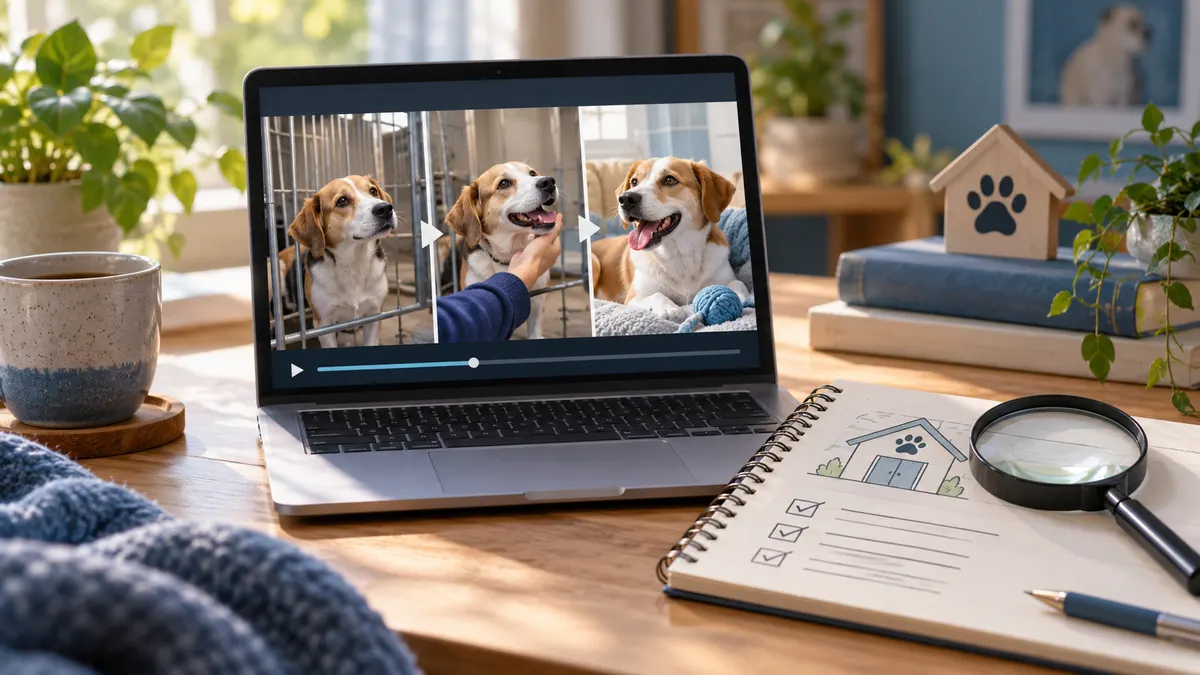 Rescue video verification
Check an animal rescue video's source, the named rescuer, and the attached story separately before sharing. Keep uncertain evidence and detector limits visible.
Read the checklist Video provenance guide
Trace a suspicious video's earlier source with keyframes, visual search, quoted dialogue, and a source ledger—without treating a match as proof.
Read the checklist Video provenance guide
Check what video Content Credentials actually declare, interpret missing or invalid provenance, and combine C2PA information with independent evidence.
Read the checklist Detector result guide
Read likelihood, confidence, checked signals, source quality, and provenance together—never treat one detector percentage as proof.
Read the checklist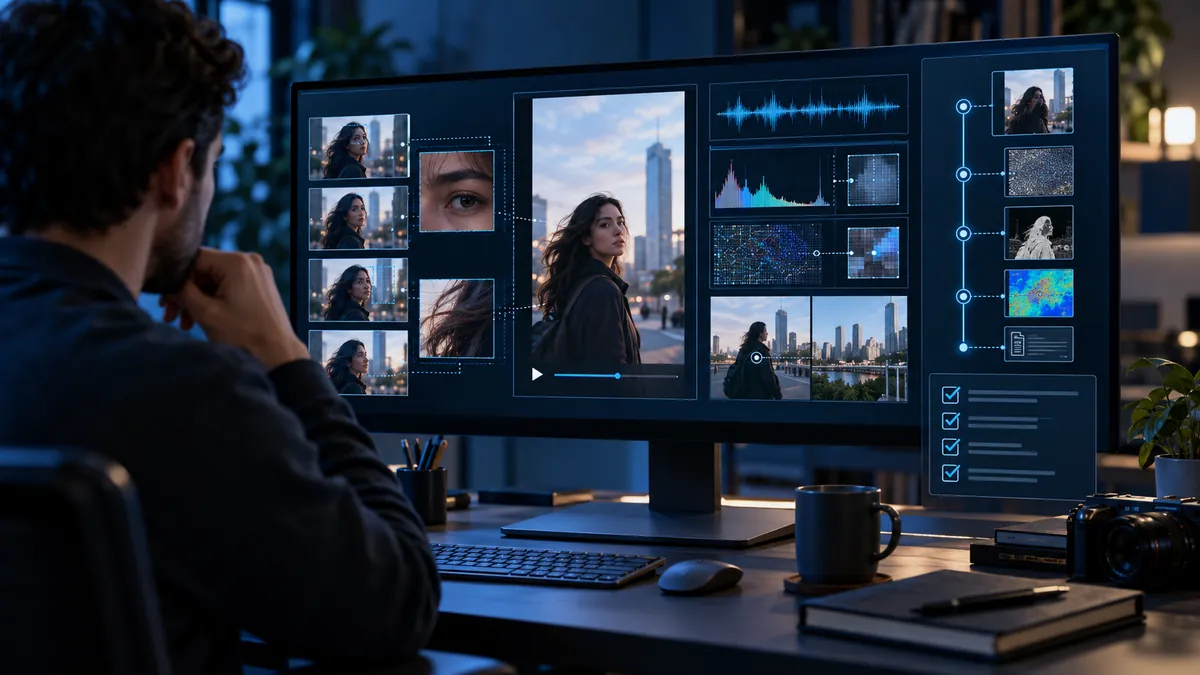 X / Twitter verification guide
Check the post, source, provenance, continuous motion, and independent context before treating an X video—or a detector score—as proof.
Read the checklist Deepfake verification guide
Verify a suspicious clip with source context, provenance, cautious screening, and corroboration—not a detector score alone.
Read the checklist Evidence-quality guide
Compression changes the evidence available for review. Use source quality, context, and a cautious screening report instead of a single visual tell.
Read the checklist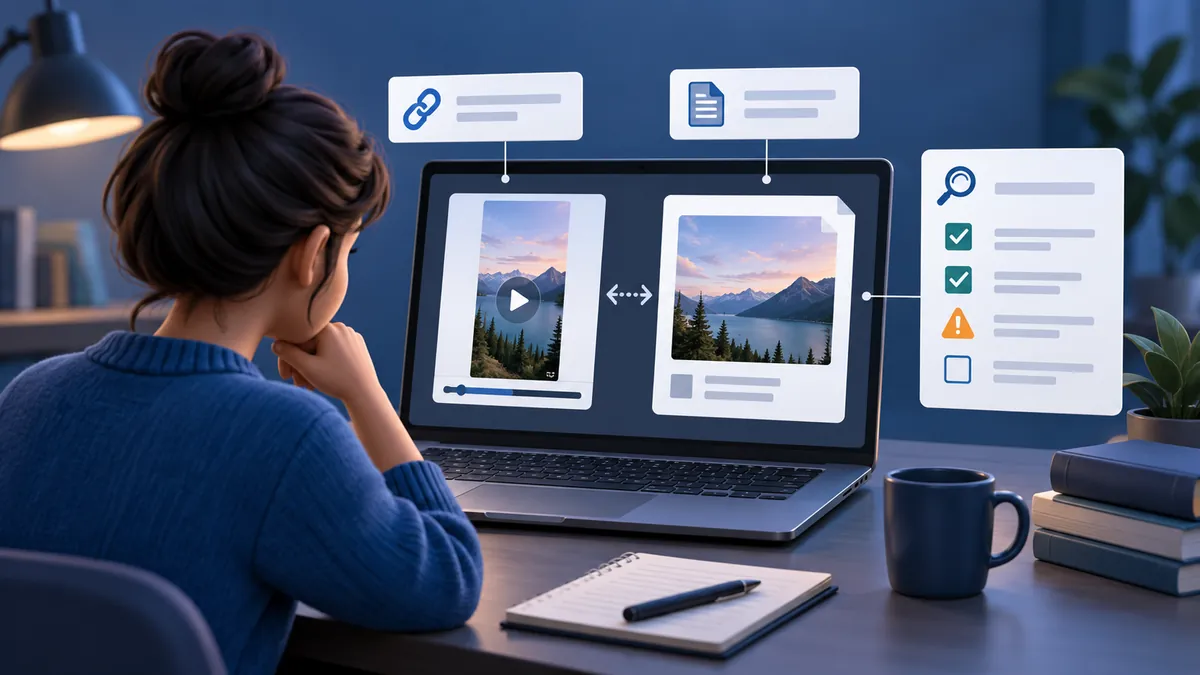 YouTube verification guide
Use a public YouTube link as a first-pass screening input, then read confidence, limitations, source context, and next steps together.
Read the checklist Detector troubleshooting guide
A limited result means the available link or media did not support a fuller screening assessment—not that the video is real or fake.
Read the checklist Instagram verification guide
Use source context, disclosures, the earliest version, careful frame review, and cautious detector evidence before sharing a suspicious Reel.
Read the checklist TikTok verification guide
Seven practical checks for TikTok labels, source history, repost damage, frame patterns, audio, context, and cautious detector results.
Read the checklist