
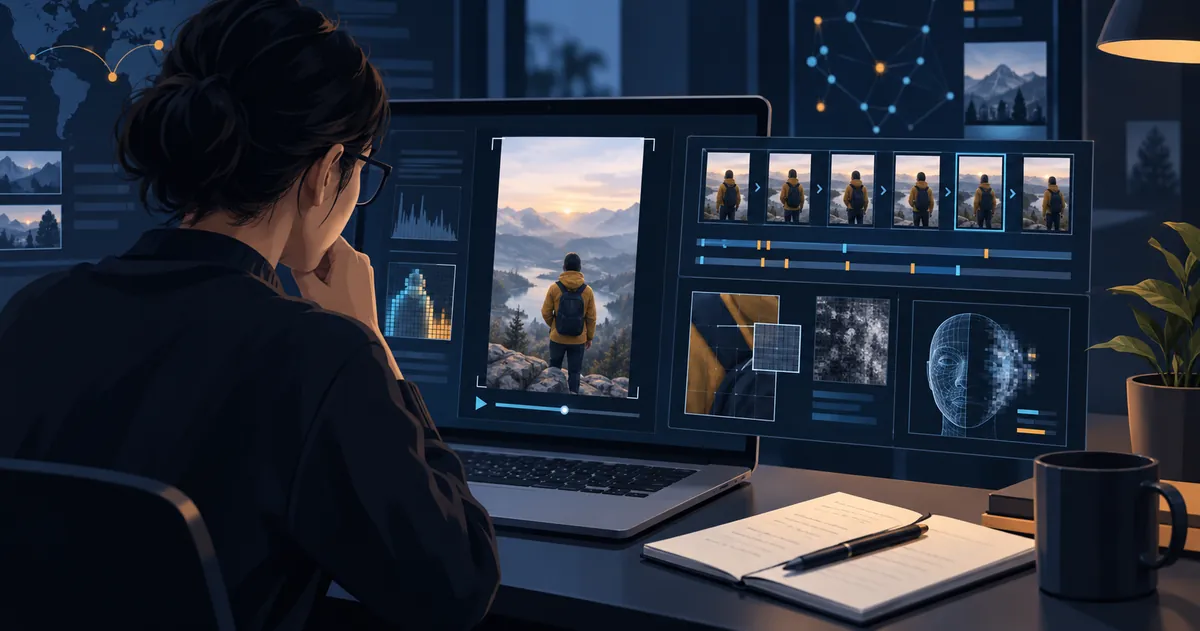
To tell whether a TikTok video may be AI-generated, use seven checks: disclosure labels, account and caption context, the earliest source, repost damage, patterns across frames, audio consistency, and independent evidence. A detector can help screen the clip, but one score cannot prove that it is real or fake.
This checklist is for viewers assessing a public TikTok post. It can identify reasons for caution; it cannot prove that a video is real, fake, deceptive, or harmless.
Have a TikTok clip to check?
Start with a public link. If its video cannot be read, upload an original file you have permission to use. No readable frames means no screening score.
Check a TikTok link Upload original videoQuick answer
Use this order:
- Look for TikTok’s AI-generated or creator-applied labels.
- Read the caption, account history, comments, and stated source.
- Find the earliest available version and compare it with independent context.
- Check whether reposting, screen recording, filters, cropping, or compression changed the evidence.
- Run a cautious TikTok AI video check when the post is public, then check whether video frames were read and review the screening limits.
- For a serious claim, obtain the original file lawfully and ask for qualified human review.
The practical evidence checklist
| Check | What to look for | What it means |
|---|---|---|
| TikTok disclosure | An AI-generated, creator-applied, effect, caption, or hashtag disclosure. | Useful context, but it does not independently verify every claim in the video. |
| Source | The original creator, earliest upload, caption, location, date, and supporting material. | Missing or contradictory context is a reason to verify further — not proof of AI. |
| Repost damage | Screen recording, compression, cropped watermarks, speed changes, subtitles, or missing beginning/end. | These can make authentic video look strange and can remove provenance data. |
| Visual and motion | Faces, hands, objects, reflections, shadows, text, and movement across several frames. | Treat irregularities as leads to inspect, not a verdict. |
| Audio and speech | A voice that does not fit the footage, abrupt tone changes, or inconsistent lip movement. | Audio may be dubbed, translated, clipped, or re-encoded. Check the fuller source. |
| Independent context | Reliable reporting, an official statement, other angles, or a source recording. | This is usually stronger evidence than a single detector result. |
1. Check TikTok’s disclosure first
A creator can add text, a hashtag, sticker, or context in the description. TikTok may also display a creator-applied “creator labeled as AI-generated” label or automatically apply an “AI-generated” label when its systems, TikTok AI effects, or attached Content Credentials indicate AI use.
If a disclosure is present, ask what was generated or substantially edited — and whether that changes the claim you are being asked to believe. The reverse also matters: no label does not prove a clip is authentic. Labels and provenance data can be absent, lost after editing, or lost in a reupload.
2. Read the post as a source, not just as a video
Before zooming in on a face, read the surrounding context. Is the account the original creator, a news outlet, a fan account, or an anonymous repost account? Does the caption identify a date, place, event, speaker, or original source? Does the same clip appear elsewhere with a different caption, date, or claimed location?
A short clip of a public figure apparently making a surprising statement should lead you to the full speech, official account, or reliable coverage. Source checking helps distinguish an authentic video with a false caption from a synthetic video with a plausible story.
3. Find the earliest available version
The earliest available upload often preserves more evidence than a viral repost. Compare duration, missing opening or closing seconds, watermarks, usernames, captions, added voices or music, frame quality, aspect ratio, time, and account history.
Original media may retain Content Credentials — cryptographically verifiable information about origin and edits — when that information is present. Their absence does not establish that a video is AI-generated, and their presence does not replace checking the claim and context.
4. Look for patterns across frames — not one “tell”
Review several moments, particularly cuts, fast movement, close-ups, hands, reflected surfaces, on-screen text, and moments where the speaker turns away and back. Ask whether faces, fingers, logos, text, reflections, shadows, and movement remain coherent across frames.
Do not turn one irregularity into an accusation. Compression, low light, filters, frame interpolation, stabilization, and screen recording can produce similar artifacts in authentic clips.
5. Separate “AI-generated” from “misleading”
A fully AI-generated animation may be harmless and clearly labelled. A real video can be misleading because its date, location, audio, subtitles, or caption changed. Minor AI cleanup may not alter the event, while a face swap, cloned voice, or invented event can be materially deceptive.
The practical question is not simply whether a post is “AI.” It is whether the video can support the claim you are about to believe or pass on.
6. Use an AI video detector as a screening step
First-pass check
Use a public TikTok link, then read its limits.
Link checks can be useful, but a public TikTok post may still be private, removed, login-only, region-limited, too long, or inaccessible as media. If the video cannot be read, the report shows the access problem without a score. You can upload an original video you have permission to use.
Check a TikTok video- Result state: was enough material available for a meaningful review?
- Evidence reliability: what media and sample coverage were available? This indicator is not measured classification accuracy.
- Screening indicator and signals: which sampled visual, motion, source, or audio-video clues were flagged? The rule-based indicator is not a calibrated probability.
- Unchecked signals: what could not be reviewed?
- Next steps: what should be verified manually before you act?
A high screening indicator is not proof of intent to deceive. A low indicator is not proof the video is real. Read the evidence report guide before treating a result as more than a screening signal.
7. Escalate serious claims to human verification
Do more than a link check when a video could affect someone’s reputation, identity, safety, money, employment, a medical decision, or public understanding of an event.
- Save the public URL and visible context before it changes.
- Find the earliest source and full-length version.
- Compare reliable reporting, official statements, or independently recorded footage.
- Request the original file only with a legitimate reason and permission.
- Use qualified human review for high-stakes conclusions.
What not to do
- Do not claim a person created a deepfake solely because a detector flagged signals.
- Do not assume a TikTok label proves every factual statement is false.
- Do not assume an unlabelled clip is authentic.
- Do not rely on a cropped, low-resolution screen recording when a full source exists.
- Do not share a sensational clip first and verify it later.
Frequently asked questions
Does a TikTok AI-generated label prove the whole video is fake?
No. A label is useful context about AI generation or editing, but it does not independently verify every claim, caption, or scene in the post.
Does no AI label mean a TikTok video is authentic?
No. A label can be absent or lost after editing and reuploading. Check the source, earliest version, context, and available evidence.
Can an AI video detector prove a TikTok is a deepfake?
No. A detector is a first-pass screening aid. Read its confidence, checked signals, unchecked signals, and limitations, then use human verification for serious claims.
Bottom line
Start with TikTok’s disclosures, then examine the source, earliest available version, reposting damage, and independent context. Use visual clues and an AI detector to identify reasons for caution, not to make a final verdict. When the stakes are high, preserve the context and involve qualified human review before you trust, share, report, or accuse.
Sources and update notes
Platform sources reviewed on September 23, 2026; tool access guidance updated on October 12, 2026. TikTok labels, product interfaces, and policy language can change; verify official resources before relying on platform-specific steps.