
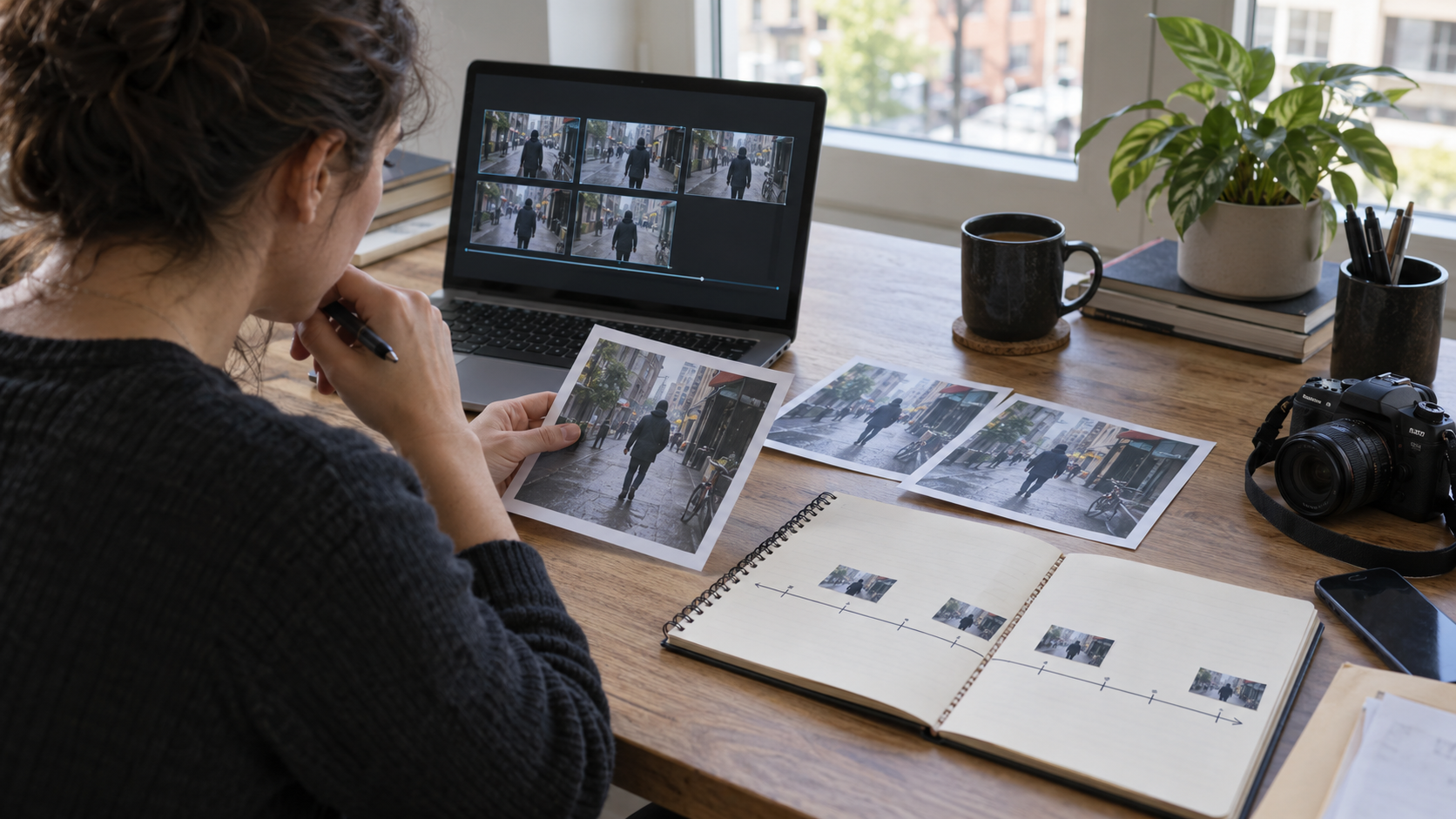
To reverse search a video, select several distinctive frames and search them as images, then use recognizable dialogue, signs, and account clues to locate candidate earlier copies. Compare the footage itself, not just titles or thumbnails, and record what each page actually establishes. An older matching upload can reveal missing context, but it does not automatically identify the camera operator or prove that the scene is genuine. If you cannot find a match, leave the source unresolved. Use this source-tracing workflow alongside cautious AI-video screening; neither visual similarity nor a detector score is a complete authenticity verdict.
Quick answer
- Search a few meaningful frames rather than expecting a video URL to work as an image query.
- Look for longer versions and earlier copies, not only pages repeating the viral caption.
- Separate “same footage,” “earlier public upload,” and “confirmed creator.”
- Check continuous action and surrounding context before accepting a match.
- Keep an evidence ledger, including failed searches and unresolved attribution.
The goal is a better source for review. Sometimes that source is a camera recording; sometimes it is an earlier animation, advertisement, parody, or edited compilation. Discovering it can change which question you need to investigate next.
What reverse video search does—and does not—answer
Visual search can retrieve pages containing the same or similar imagery. It is useful for discovering copies, finding fuller context, or noticing that footage existed before a newly claimed event. It is not a universal search of every video ever recorded, and a visually similar result may show a different event.
Google's image-search documentation describes searching an image with Lens and finding related images or websites. For a video investigation, the practical bridge is a still frame you are authorized to use. That is a frame search, not proof that a search engine analyzed the full moving clip.
AI Video Detector serves a different role: first-pass screening and evidence interpretation. Do not assume that it automatically finds the original uploader, establishes the filming date, or fact-checks a caption. The evidence report guide explains why signals, confidence, limitations, and unresolved context should remain separate.
First decide what “original” means
Before searching, write down the question. Are you trying to find a longer recording, an earlier public upload, the person who created the asset, or evidence supporting its date and location? These are related tasks with different stopping conditions.
An account may have posted the earliest copy you can find while still being a repost account. A creator may have published a cropped teaser before releasing the full video. A compilation may preserve footage from several sources. Calling any of those pages “the original” without qualification collapses important distinctions.
| Goal | Useful discovery | What still needs checking |
|---|---|---|
| Find a longer version | Matching action before and after the excerpt | Whether the longer copy is itself edited |
| Find an earlier upload | A matching page with an earlier visible publication date | Whether still earlier copies exist |
| Identify the creator | Consistent credits and a credible creation history | Independent confirmation of authorship |
| Check a current-event claim | Matching footage published before the claimed event | Whether every frame belongs to that earlier footage |
Use “earliest located copy” when that is all your evidence supports. It is accurate, reproducible, and leaves room for a later discovery.
Step 1: preserve the starting post and your question
Record the public URL, the claim in the caption, the account, the date displayed, and the duration. Note when you accessed the page because posts and captions can change. Preserve only material you are permitted to retain, and do not publicly redistribute sensitive faces or private details merely to document your search.
Keep the starting copy untouched. If you create screenshots or crops for discovery, label them as derived search images. A crop can help a search engine focus on a landmark, but it is not the original asset and should not replace the full frame in your review record.
The Verification Handbook's video chapter frames verification around source, context, and basic questions about the material. Here, the source ledger is a practical way to keep those questions from disappearing while you jump between results.
Step 2: choose frames with identifying detail
Play the clip first. Pick frames containing a distinctive building, sign, vehicle, stage design, landscape, or arrangement of objects. A generic close-up of a face or a blurred transition is less useful for source discovery than a wider view with recognizable context.
Choose frames from different moments. A compilation can reuse an opening shot while adding unrelated footage later. Searching only its first frame risks tracing one ingredient and attributing the entire video to that source.
Avoid frames dominated by added captions, reaction windows, or an application's controls. Save a full-frame version for your notes, then optionally make a second crop around the scene detail. Compare both searches if the overlay appears to be steering results toward reposts rather than the underlying footage.
There is no required number of frames that guarantees success. Start with a small set that covers the clip's distinct scenes. Add a new frame when it represents genuinely different visual information, not simply the next second in an unchanged shot.
Step 3: run visual searches and inspect candidate pages
Use an image-search tool that accepts a file or image URL. On desktop, Google's documented Lens workflow supports selecting an image from your computer. On a phone, available controls vary by browser and application, so use the current image-search interface rather than assuming desktop button labels apply.
Treat each result as a lead. Open the underlying page and check whether it actually contains the matching footage. A search thumbnail can be cached, borrowed, or associated with an unrelated article. A result with a strikingly similar thumbnail may never show the action you are investigating.
Compare several details: camera movement, object positions, the sequence of events, and the beginning and ending of the shot. If a candidate is mirrored or cropped, account for that transformation before rejecting it. Do not edit away contradictions just to make a lead fit your expectation.
Save the candidate URL and describe why it appears relevant. A useful note is “same vehicle turns past the same storefront,” not “Google says it is the original.” The former explains the comparison; the latter outsources an attribution the search interface may not have made.
Step 4: search words and sound as discovery clues
When visual search stalls, listen for a distinctive phrase, place name, announcement, or credit. Search a short, accurately heard phrase in quotation marks. If you are uncertain about a word, record that uncertainty and try a shorter phrase rather than inventing a transcript.
Read signs and watermarks carefully. A watermark may identify the reposting account, not the creator. An on-screen handle can lead to a profile with a fuller description, but a handle alone does not establish authorship. Compare that profile's other posts and any explicit credit on the candidate video.
Try the caption's claim as a separate text query. Then search the observable details without the claim. This helps avoid finding only pages that repeat the same unsupported narrative. A caption about a recent event can be attached to older footage, and a location keyword can bias the results you notice.
These steps are manual source research. They are not promises that AI Video Detector performs speech transcription, automatic source attribution, or identity matching. Keep those capabilities distinct from the site's screening role.
Step 5: build a chronology without overclaiming dates
For each plausible match, record the date the page displays and how it labels that date. Publication time, update time, search indexing time, and filming time are not interchangeable. If you cannot determine which date you are seeing, do not put it into a definitive filming timeline.
Compare the surrounding text. Does the earlier page call the clip an animation, identify a production, credit a photographer, or provide a longer recording? Those details may be more useful than an isolated timestamp. Preserve the attribution as a statement made by the source until independently confirmed.
The Berkeley guide to evaluating digital open-source imagery discusses the limitations of reverse search and evaluating digital material in context. The practical lesson is not to turn a search engine's incomplete coverage into a complete historical record.
If several sites share the same clip and wording, they may all derive from one upload. Ten reposts are not ten independent confirmations. Trace credits and outbound links until you reach a source with a meaningful relationship to the asset, or document that the chain remains unclear.
A reproducible source ledger
Use a small record that someone else can inspect without repeating every click. This is a proposed method, not a report of an investigation we conducted or a benchmark of any search engine.
For each candidate, include the search image and its timestamp within the clip, the exact query, the candidate URL, the access date, the displayed page date, the matching details, and the remaining uncertainty. Add a conclusion limited to the evidence: matching copy, possible match, non-match, or unresolved attribution.
Keep a separate field for the claim being checked. A confirmed match might establish that a shot is older than a viral caption says, while leaving the rest of the edited clip unresolved. That narrower conclusion is useful and should not be inflated into “everything in this video is fake.”
Also record a failed search when it affects your conclusion. Write “no matching page located using these frames and queries on this date,” not “the video does not exist elsewhere.” The record should describe your coverage, not the whole internet.
When source discovery and AI screening disagree
An older matching source does not exclude AI generation: synthetic footage can be reposted too. Conversely, suspicious detector signals do not erase credible source evidence. A camera recording can acquire artifacts from compression, overlays, dubbing, or repeated exports.
Inspect what the screening report actually checked and what it could not access. Our deepfake evidence checklist covers the broader review. This article's narrower task is discovering and comparing candidate source copies.
If a source file includes provenance information, read its scope separately. The Content Credentials guide explains why recorded creation history, absent credentials, and visual detection are different evidence categories. None independently verifies every claim about the event depicted.
For a consequential identity, safety, or news claim, pause sharing and involve a qualified human reviewer. A responsible endpoint can be “source unresolved,” even after a careful search.
FAQ
Can I reverse search a video by pasting its link into Google Lens?
Google's image-search workflow accepts images or image URLs. A social post URL is not necessarily an image URL. Use a permitted still frame and inspect the result pages; do not assume the full clip was searched.
Does the oldest result prove who filmed the video?
No. It establishes, at most, an earlier located public copy with a displayed date. Creator attribution needs additional evidence, such as credible credits, creation history, or confirmation from the source.
Is a video AI-generated if no reverse-search match appears?
No. New footage, private posts, unindexed pages, crops, and poor search frames can all produce no match. An unsuccessful search leaves the source unresolved; it is not an AI-generation signal by itself.
What if the matching video has a different soundtrack?
Compare visual continuity and document the audio difference. A visual match can identify reused footage without identifying the origin or truthfulness of its replacement narration.
Next step and editorial note
If you have a suspicious clip to assess, use AI Video Detector as a first-pass screening aid and keep the source ledger beside the report. Review accessible signals, limitations, and corroborating evidence before drawing a conclusion. Do not use a percentage or source-search result as a standalone accusation.
Prepared by the AI Video Detector Editorial Team. Official source guidance was checked on October 2, 2026. This article provides an editorial workflow, not forensic certification or measured detection accuracy. The cover is an AI-generated illustration.